 My Little Shop
A look inside
Peek inside
Follow a game from the shop list to the till, payment, change, Printables and the sales report. The full guide covers Awards, Shop Upgrades, tables, Team up and the rest.
Your own little high street
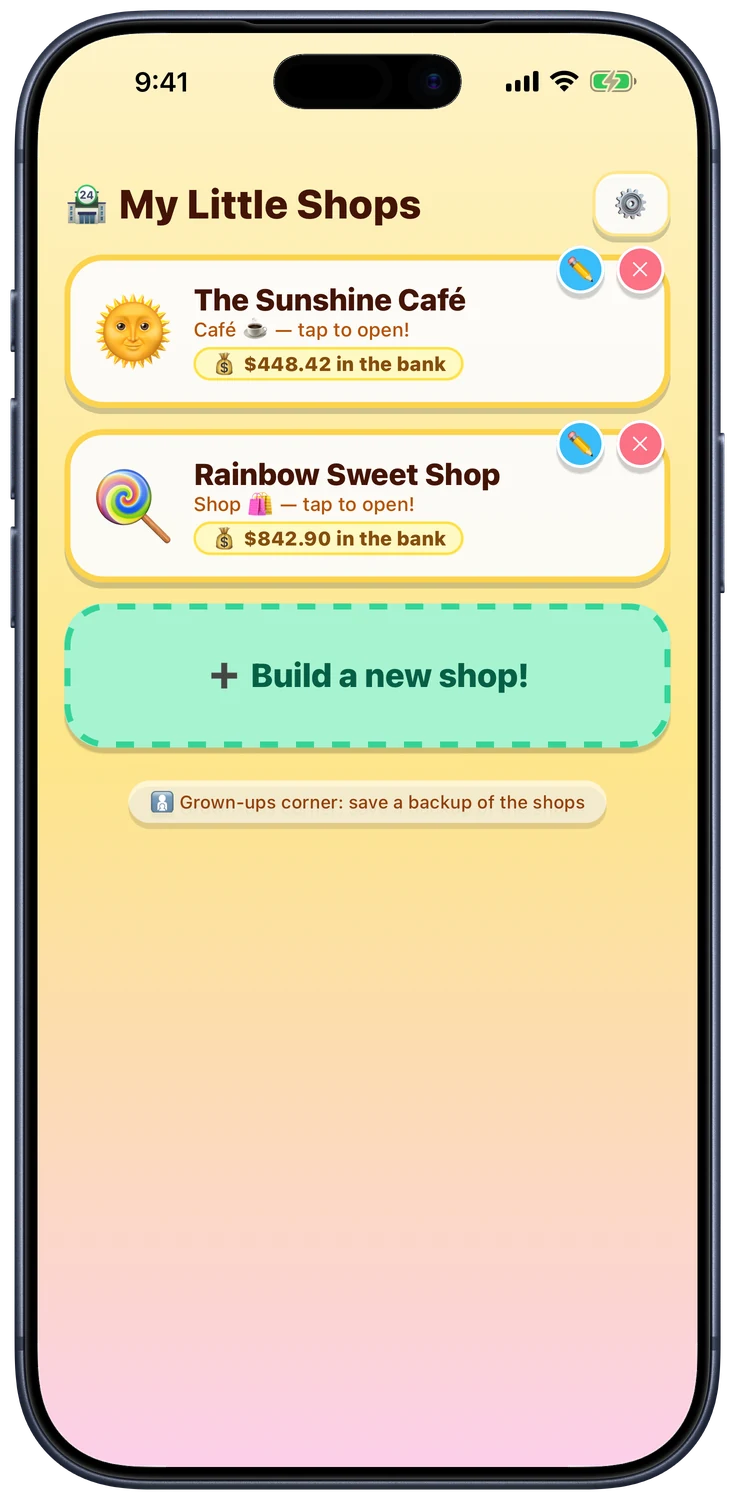
Choose a ready-made shop with stocked shelves or make one from scratch. Every new shop gets its own name, picture and bank, and can be changed later.
The register
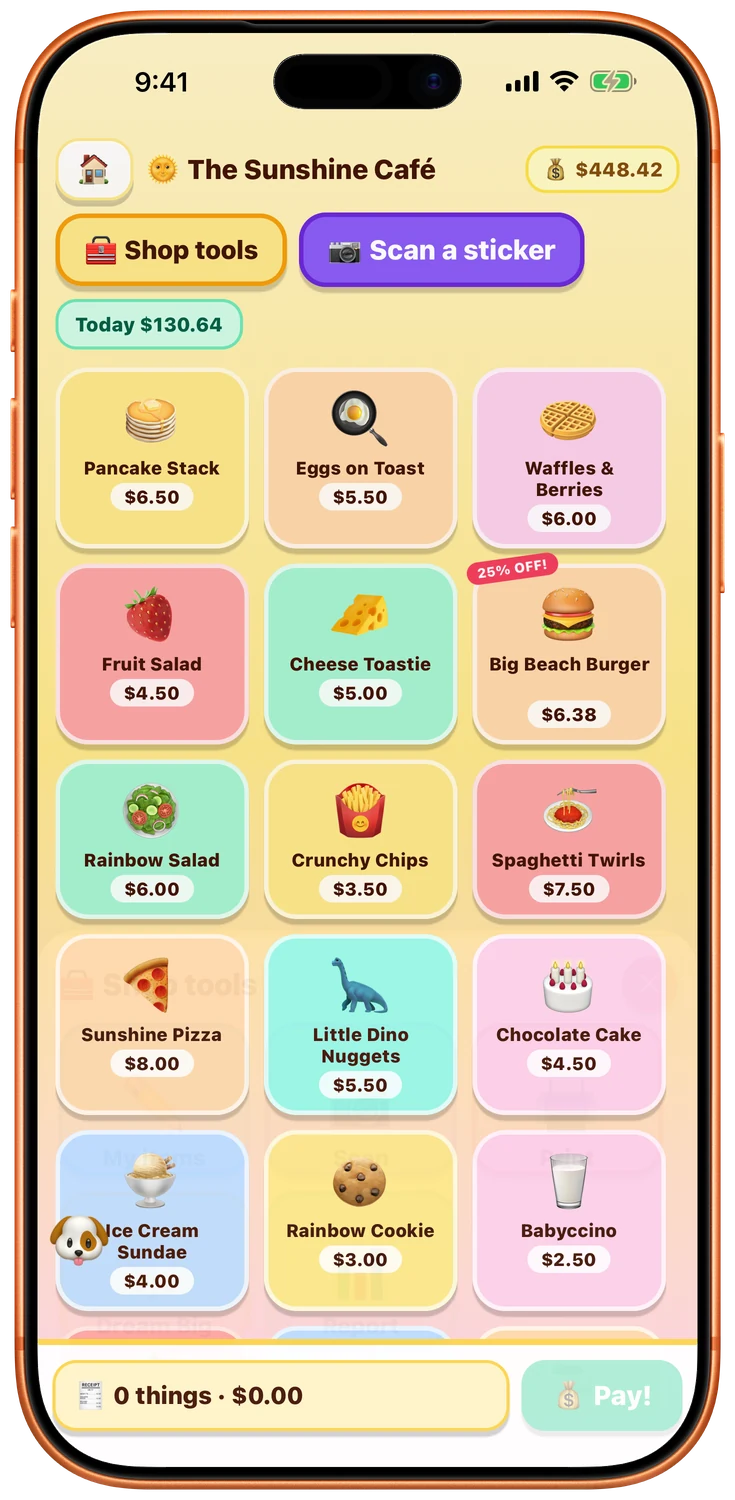
The whole shop on one screen: everything for sale, prices, sales stickers, and a running total for the day. Tap things to ring them up.
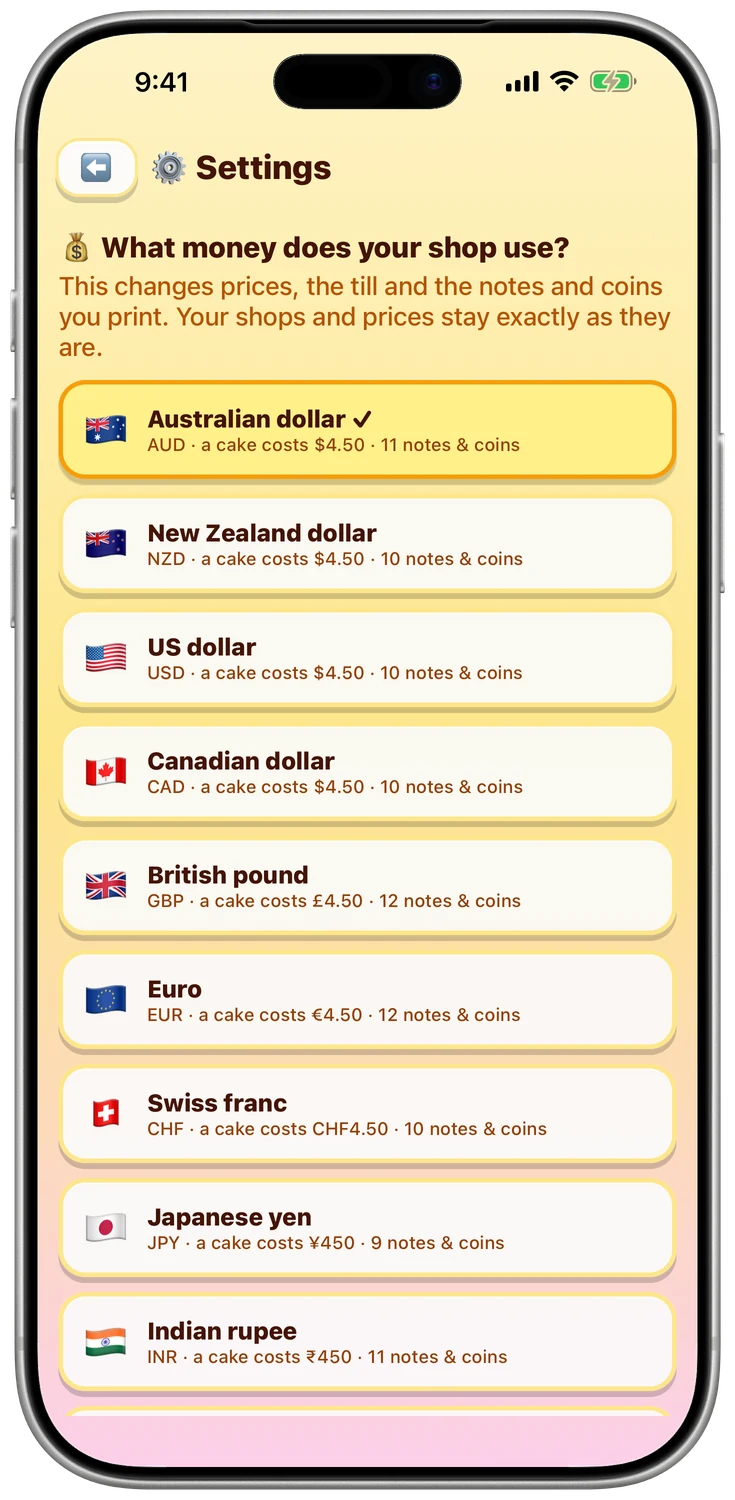
Money from your part of the world
Sixteen currencies with familiar notes and coins - dollars, pounds, euros, yen, ringgit, rupees and more. Money goals and ready-made prices suit the selected currency.
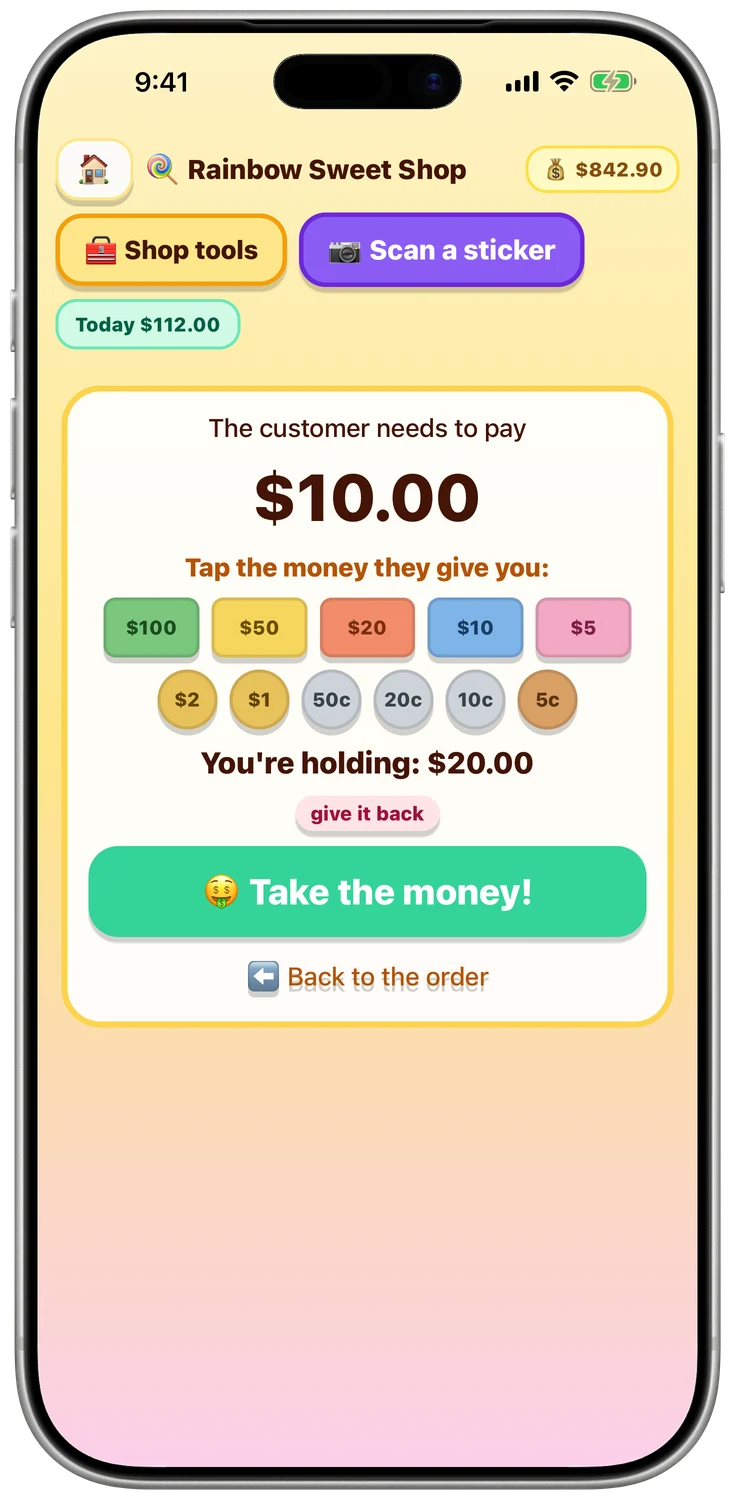
Taking the money
The customer hands over notes and coins and your shopkeeper checks: is it enough? The till shows what is still owed and lets them work it out.
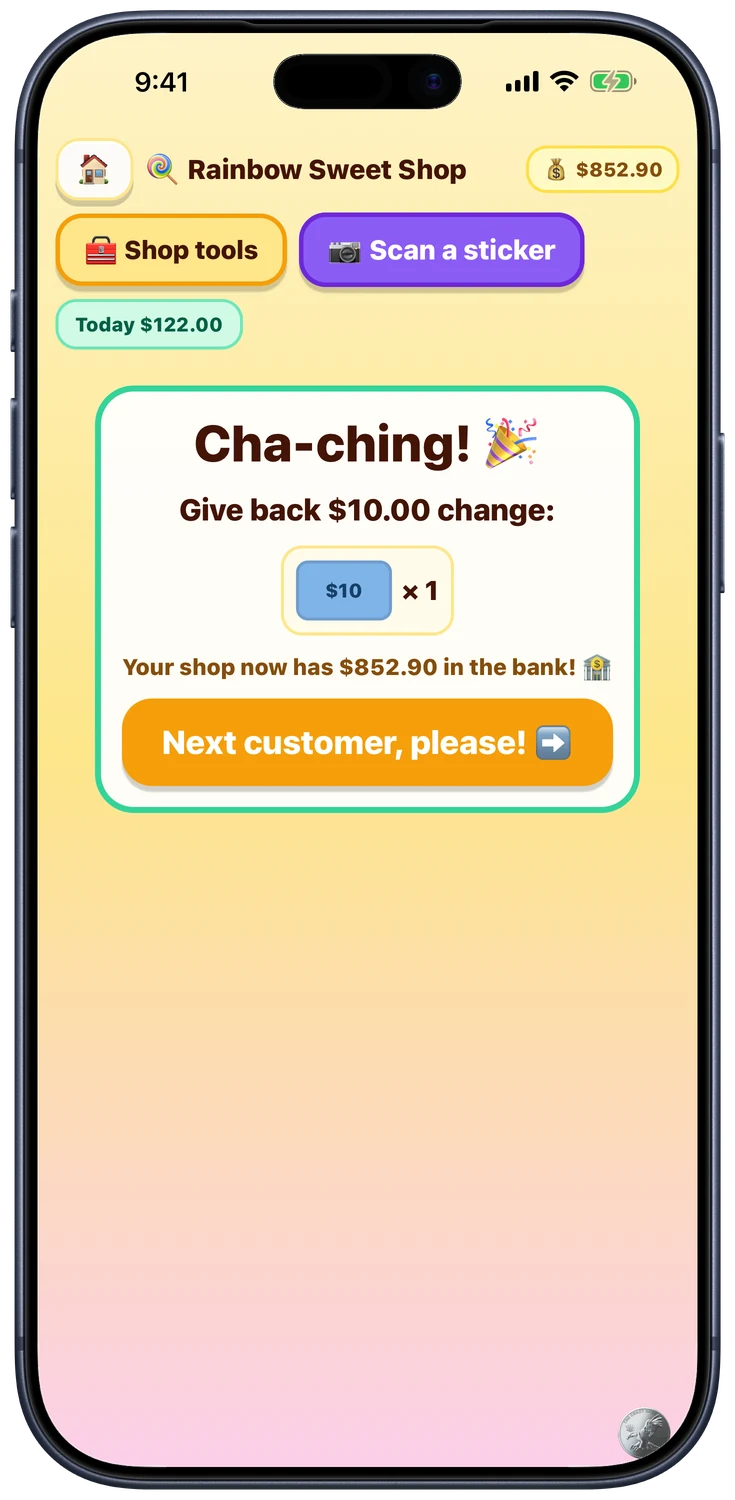
Cha-ching!
The till counts the change out coin by coin, then confetti. The takings land in the bank and the next customer steps up.
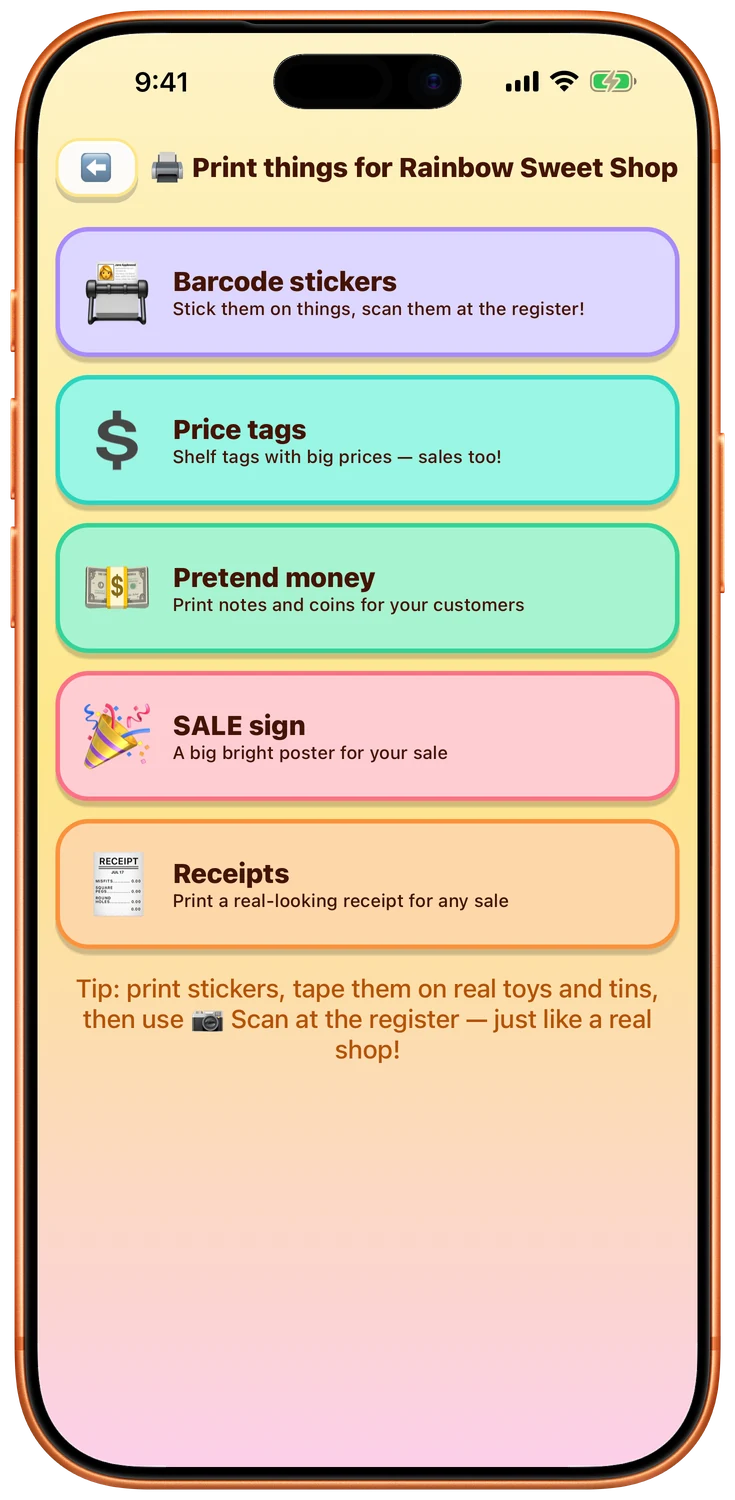
The printing press
Barcode stickers, price tags, pretend money, bank cards, menus, packets, bags, a wallet, signs, Awards and more - all previewed before printing on plain A4.
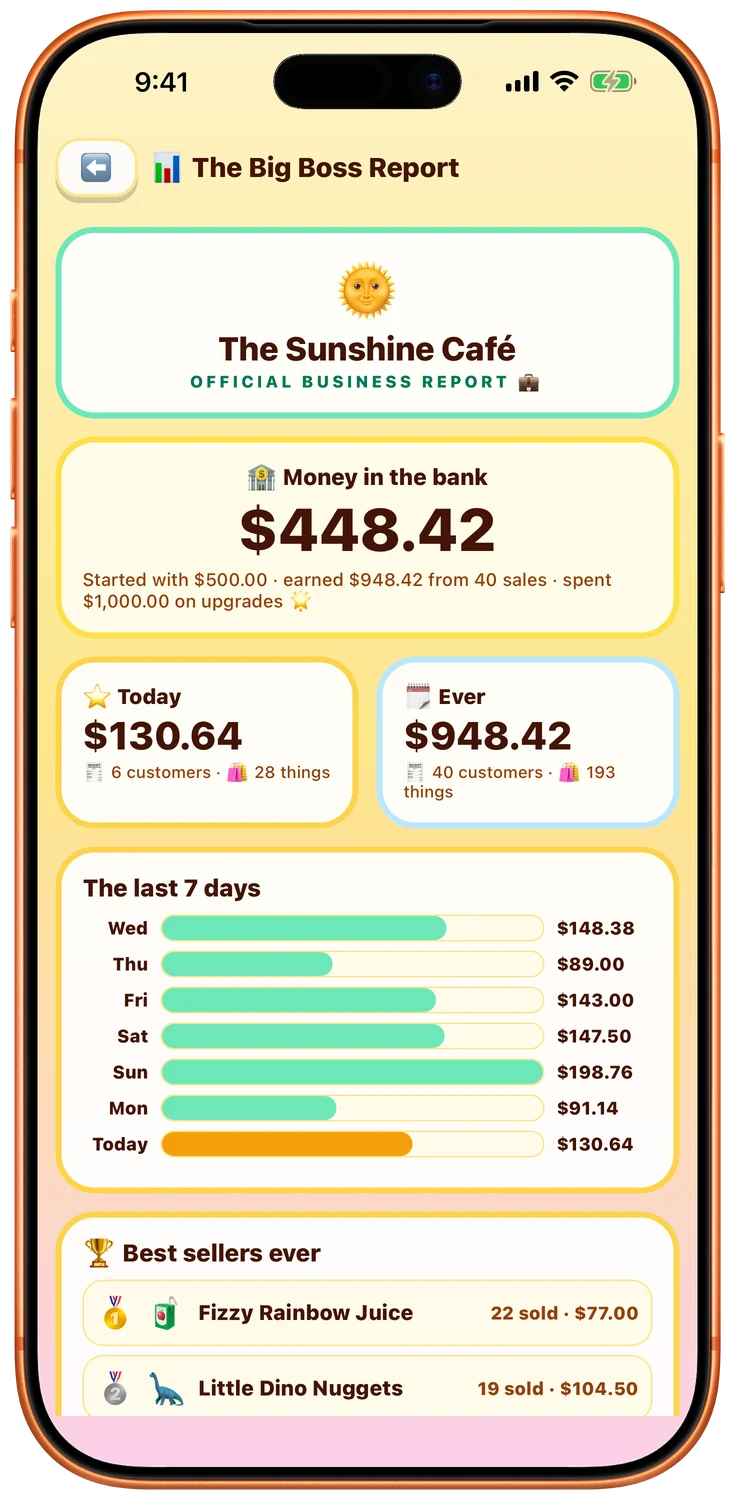
The day’s report
A proper little sales report: what sold, what it made, and a bar chart a six year old can read at a glance.
Bigger tills for bigger shops
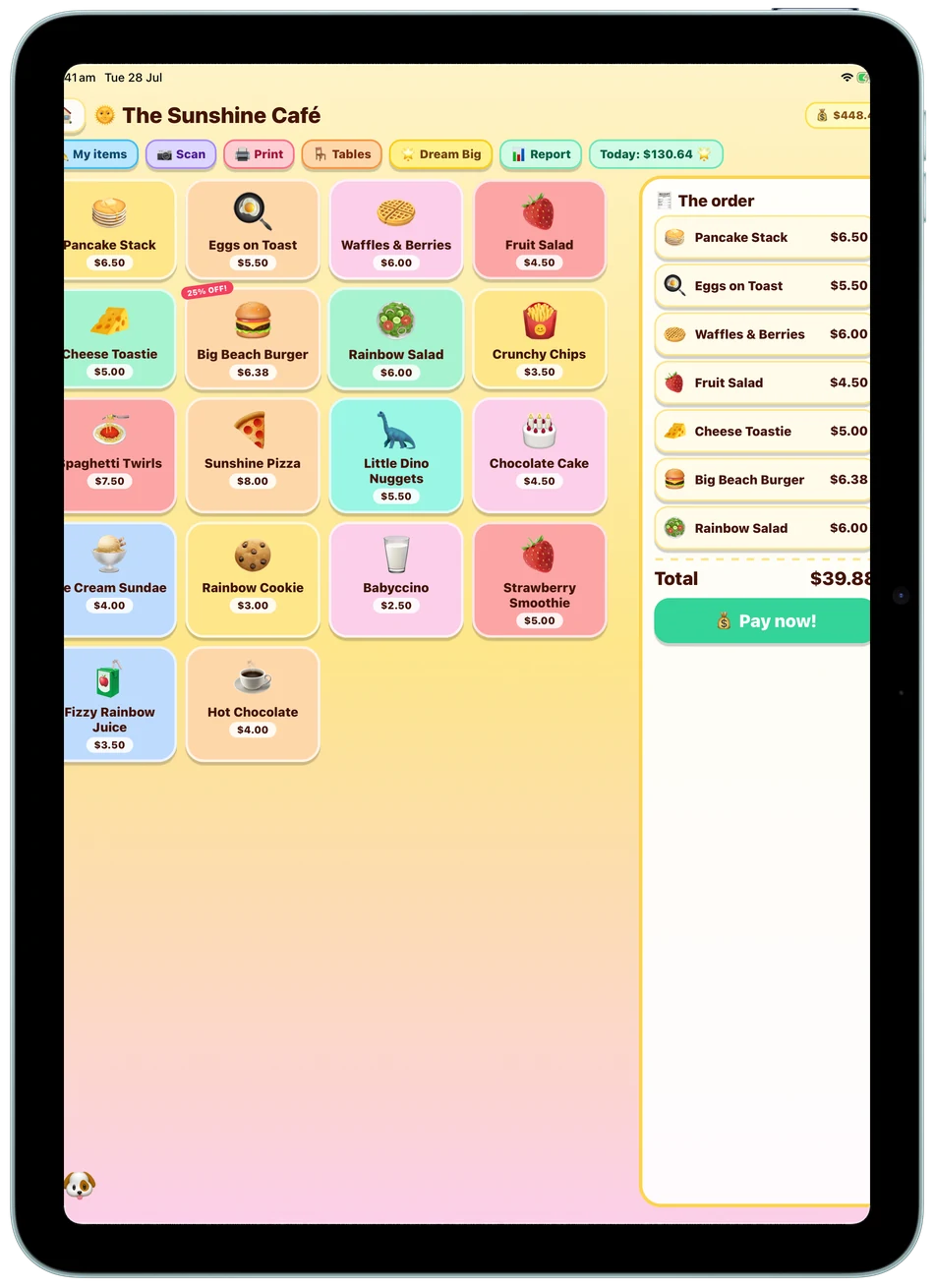
Lovely on iPad too
The register spreads out on a bigger screen - more shelves in view, bigger buttons for little fingers, and a proper counter feel when the iPad is propped up on a stack of books.